Your dot works the way you do
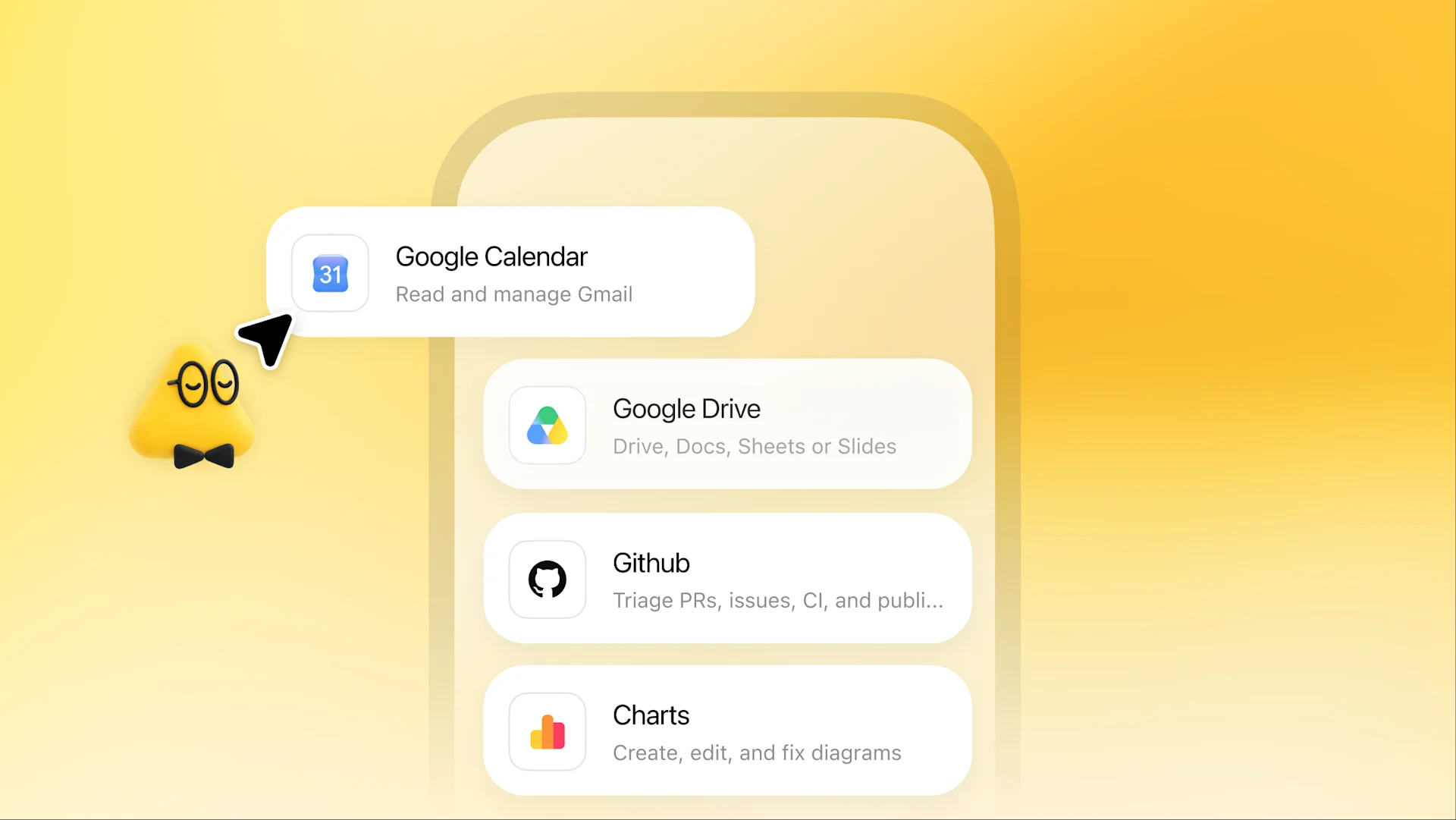
Your dot starts with context from your ChatGPT memory. It uses Codex and your connected tools to take on tasks. You choose which apps it can access, what it should focus on, and how you like things done.

Remarkably capable, always-on agents built to handle everything—powered by GPT-6 Astra.
Think of your dot as an extension of you. It learns how you work, spots what needs attention, and uses its own computer to move your projects forward.
Your dot starts with context from your ChatGPT memory. It uses Codex and your connected tools to take on tasks. You choose which apps it can access, what it should focus on, and how you like things done.
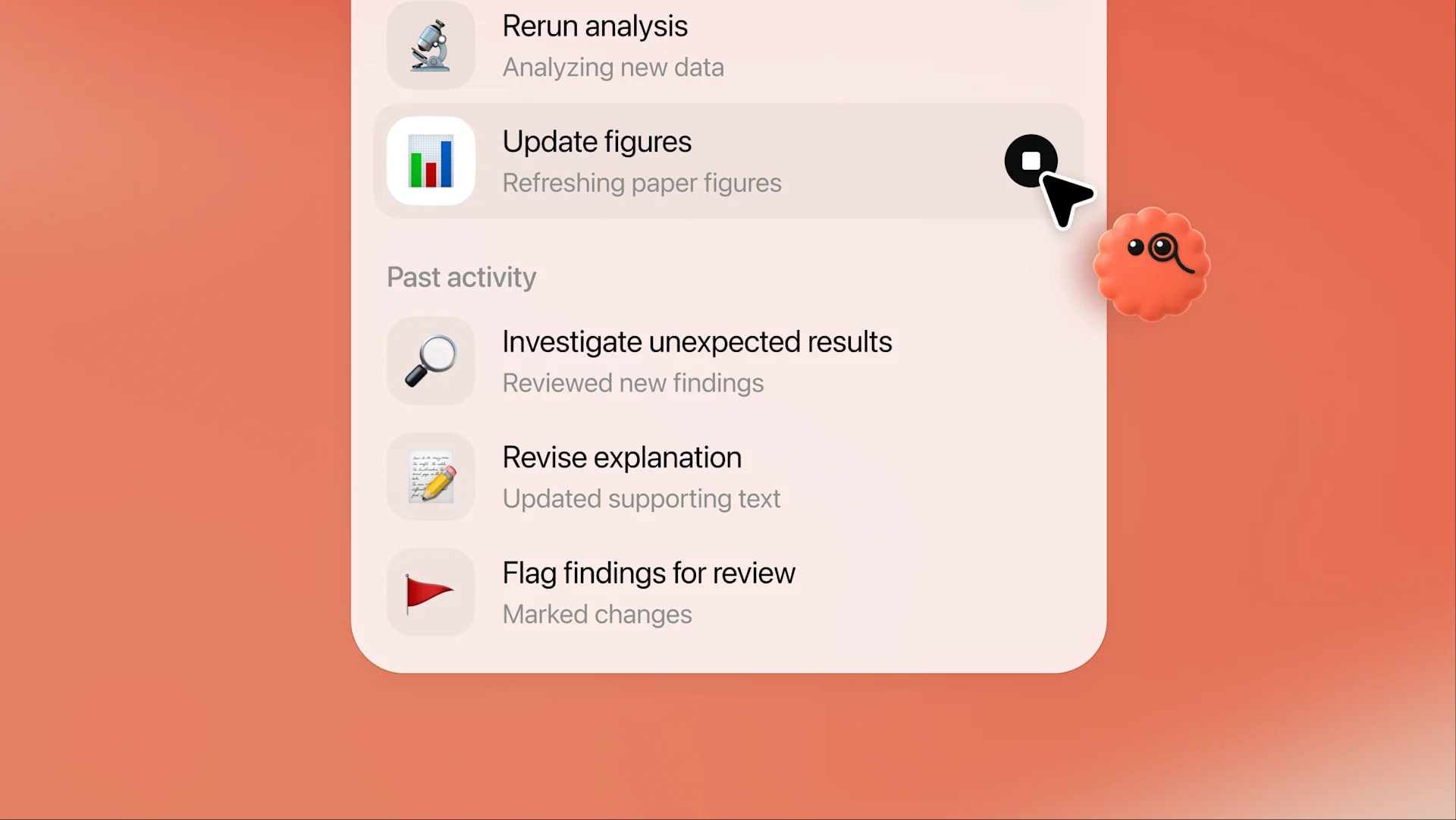
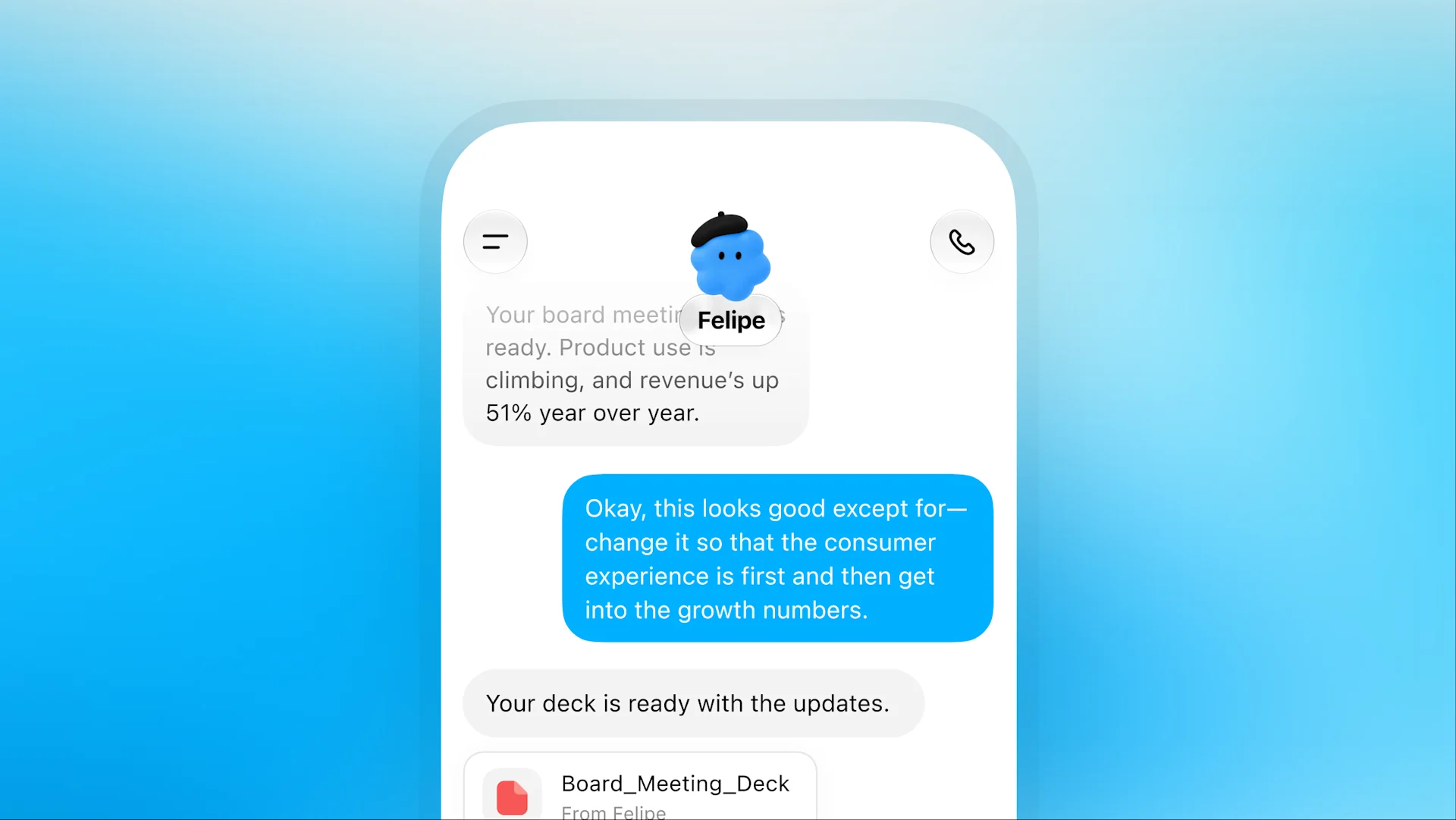
Hand over a big project or something smaller to take off your plate. Your dot proactively figures out the next steps and keeps making progress between conversations. It brings you work to review and decisions that need your judgment.
See what your dot is working on, review the details, and give feedback. Change direction or pause anytime.
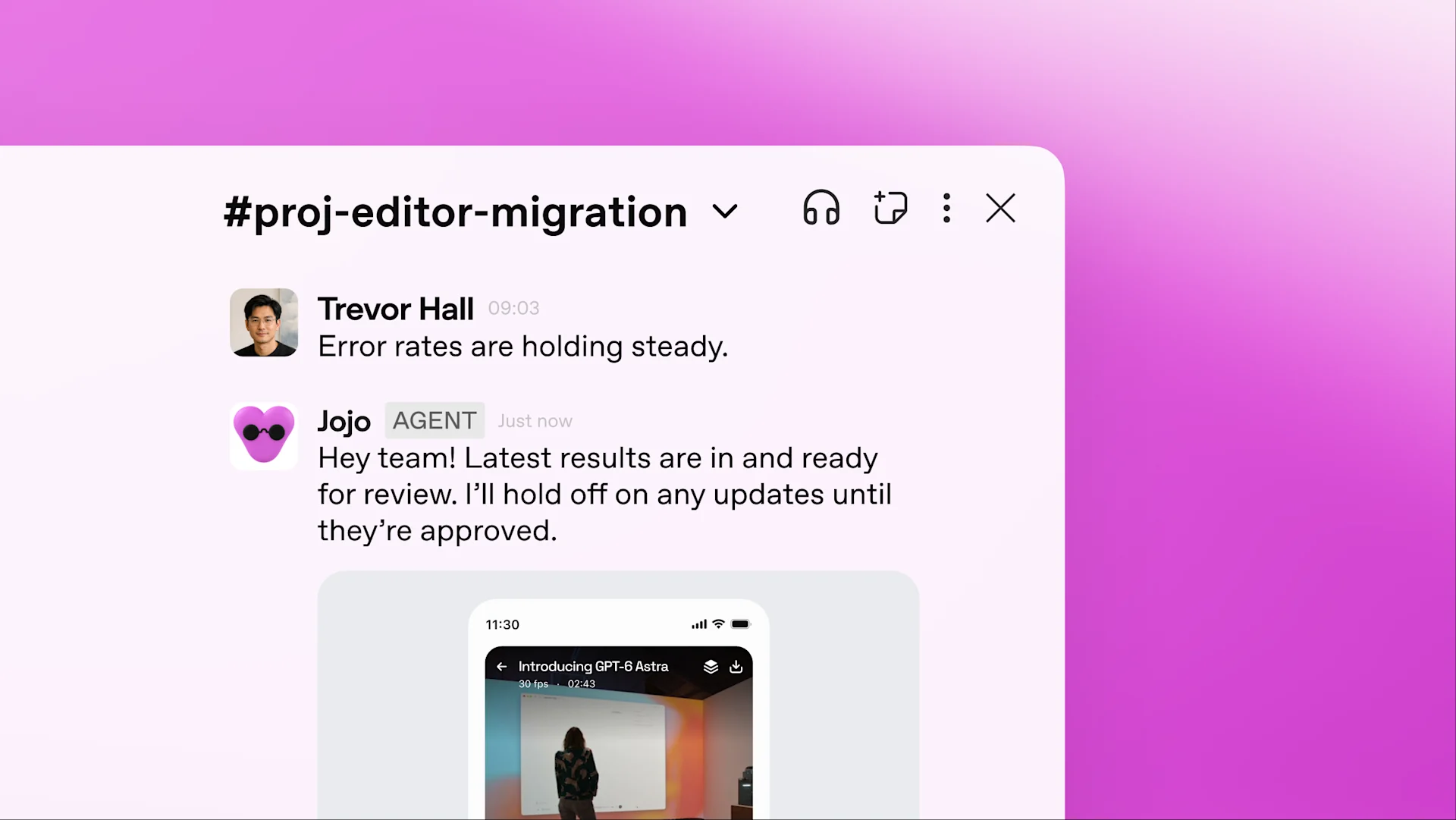
Your dot can help wherever you work. You manage its permissions and decide when it can act on its own or needs your approval.
Dots help you fit more of what matters into your life. Explore what that could mean for your work.
Explore
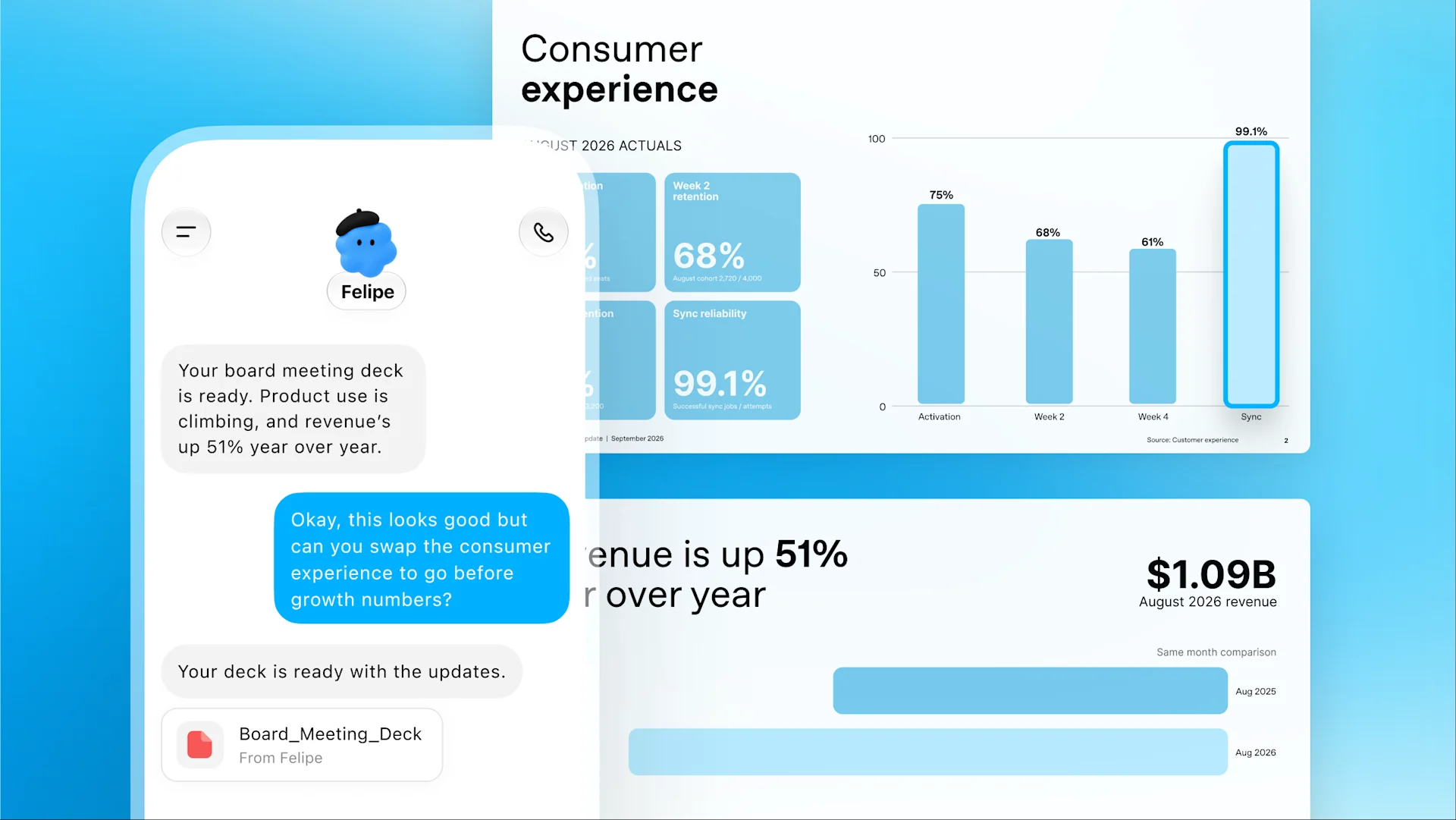
You’re a finance lead preparing for an investor update. Your dot tracks product usage and revenue, flags changes, and refreshes your deck. With your go-ahead, it shares the latest numbers with your team and updates related materials to match.
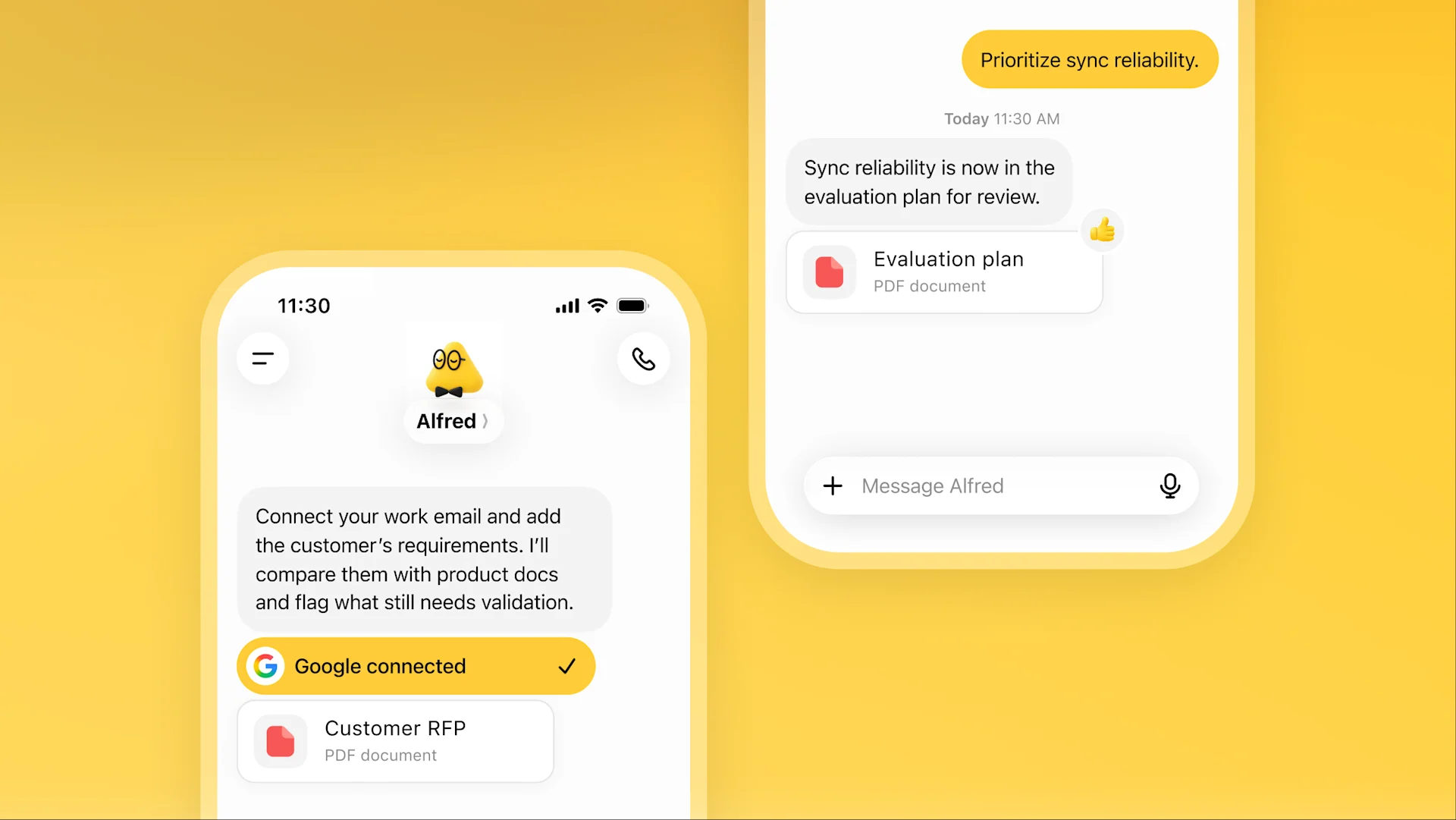
For a sales lead, an enterprise deal comes with plenty of technical details. Your dot checks customer requirements against emails and product docs, flags what needs testing, and prepares an updated evaluation plan for review.
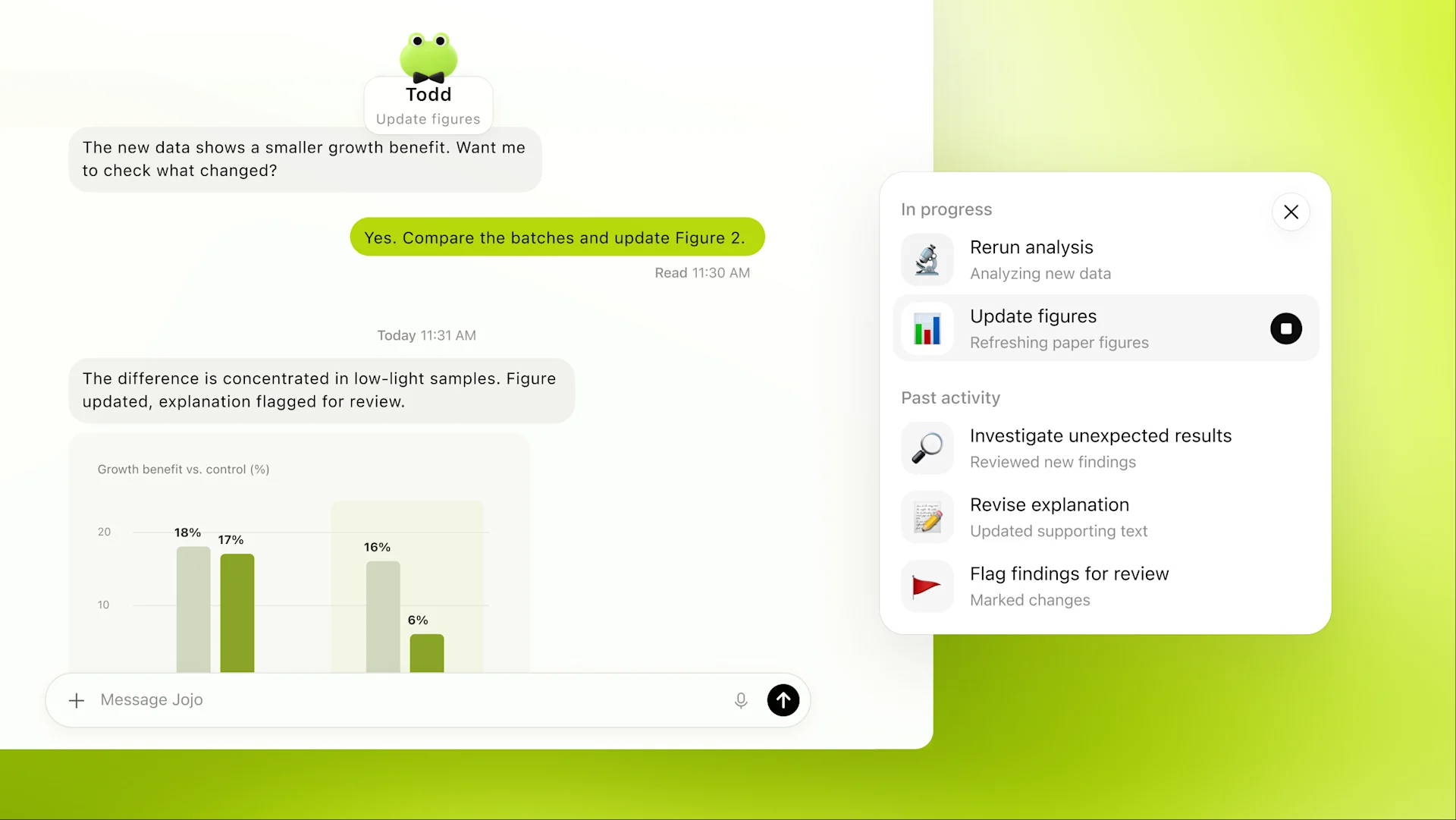
As an engineer, you need to move services across your company off an API before it shuts down. Your dot maps dependencies, prepares code and tests for engineers to review, and tracks remaining calls until they reach zero.
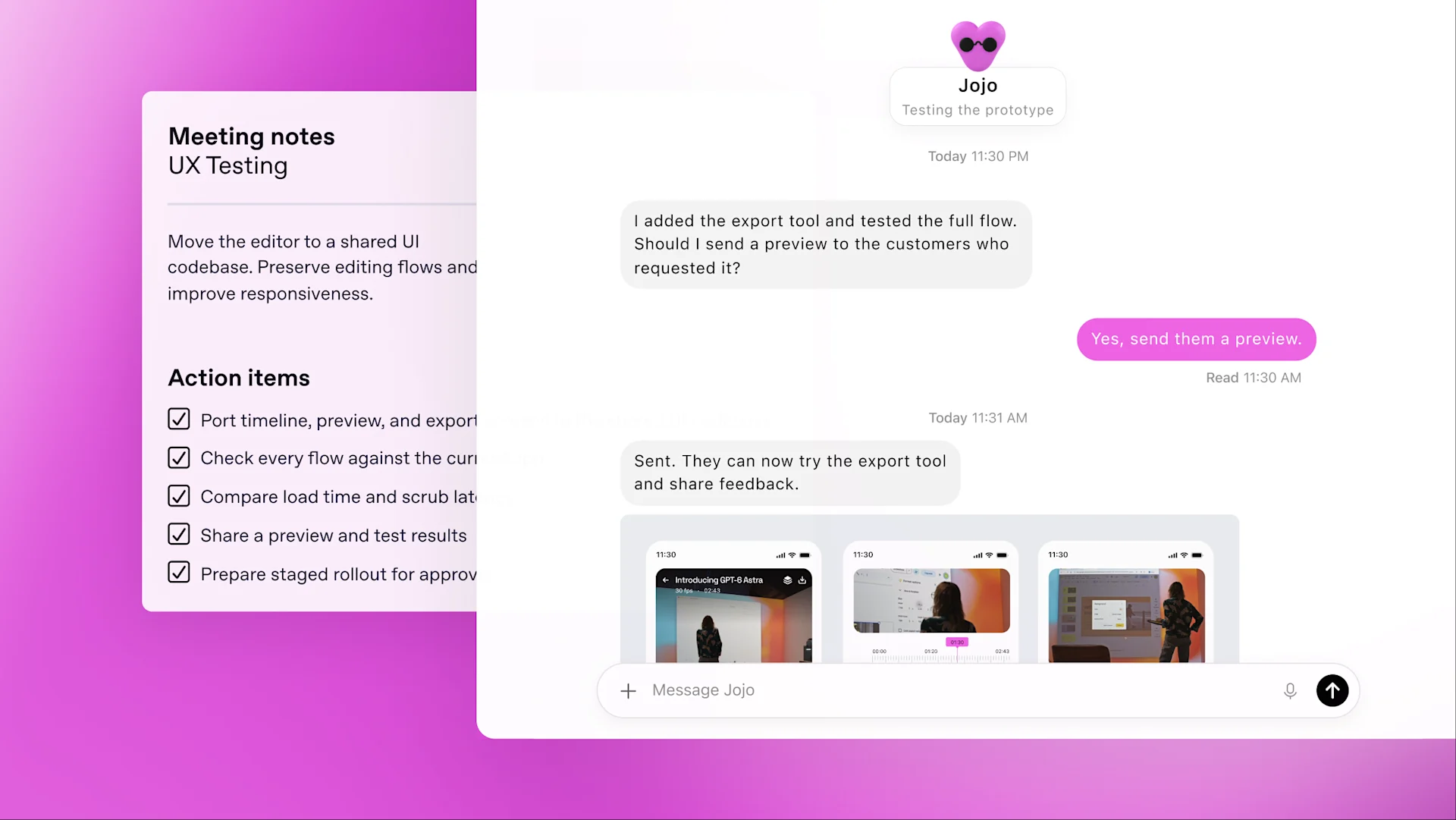
You’re a developer building an app. Your dot watches customer feedback for requests, then scopes, builds, and tests improvements. You can keep building the next major feature while those smaller fixes move forward.
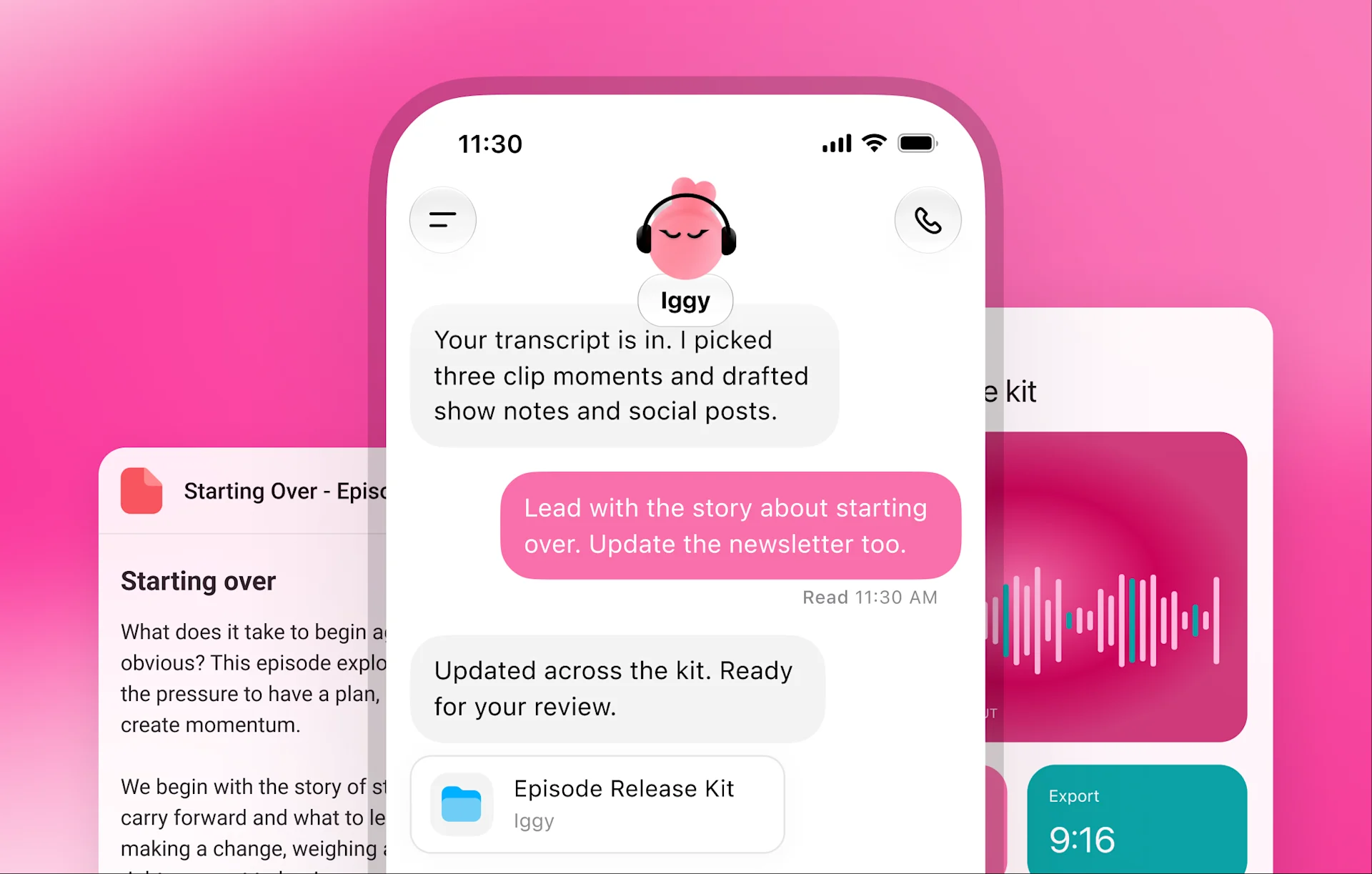
For content creators, your dot learns your voice and audience, finds interview moments to clip, and drafts show notes and social posts for your approval. It carries your edits across materials and learns what resonates to improve the next batch.
Dots run on GPT-6 Astra, our most aligned model, with safety and privacy protections on by default.
Dots build on ChatGPT’s protections with safeguards that help defend against malicious instructions and watch for potentially harmful behavior.
Dots work on their own cloud computers. Choose which apps to connect, manage their permissions, and decide whether to connect your computer. Set Custom Rules to allow specific actions, require approval, or block them.
Actions that could affect your accounts or share information go through Auto-review for checks against your instructions, Custom Rules, and safety requirements. Some need your approval. Steps like changing your password stay with you.
From your first meeting to dinner at your door, find out how your dot fits into your day.
I’ve updated your deck with what might explain the drop in returning customers. I’ve flagged what we still need to figure out and added a few options for you to consider.
At work
Sales are up, but fewer customers are coming back. Your dot checks the numbers against customer feedback, looks into what’s changed, and updates your leadership deck. As new figures arrive, it keeps everything current.
Message or call your dot in ChatGPT on web, mobile, and desktop. Share updates, ask questions, or change direction as you go. When something needs your attention, it gets in touch.
Texting your dot is coming next.
Start a conversation. Your dot keeps the work moving, even after you step away.
Dots are rolling out in ChatGPT on web, mobile, and desktop. Access is available now across Pro, Business Premium, and Enterprise plans in eligible markets. Enterprise users can try dots when enabled by their workspace admin.