• About
    • ChatGPT Work
    • Deep Research
    • Dots
    • Finances
    • Images
    • Plugins
    • Remote
    • Shopping
    • Sites
    • Space
    • Study Mode
    • Voice
    • Voice with Video
  • ChatGPT for
    • Students
    • University Educators
    • Teachers
    • Science and Medicine
    • Parents
    • Veterans
    Inspiration
    • Fitness, Wellness, and Health
    • Money and Finances
    • Recipes and Cooking
    • Travel and Exploration
    Ways to Use
    • Canva in ChatGPT
    • Spotify in ChatGPT
    • ChatGPT for PowerPoint
    • Chat with PDFs
    • Chat with Presentations
    • Chat with Spreadsheets
    • For College Students
  • Codex
    • Overview
    • Pricing
    • Enterprise
    • Import to ChatGPT
    • Developer Docs
    • Events
  • Business
    Business
    • Overview
    • Contact Sales
    • Merchants
    AI solutions for
    • Data Science & Analytics
    • Engineering
    • Finance
    • Product Management
    • Sales & Marketing
  • Pricing
    • Overview
    • Free
    • Go
    • Plus
    • Pro
    • Business
    • Enterprise
    • Higher Education
  • Download
  • About
  • Download

Introducing dots

Remarkably capable, always-on agents built to handle everything—powered by GPT-6 Astra.

Create your dot
See download options
Create your dot in the ChatGPT desktop app.
Enter your email, and we’ll send you a download link.

Get going with dotsGet going with dots

Think of your dot as an extension of you. It learns how you work, spots what needs attention, and uses its own computer to move your projects forward.

Help dots get to know you

Your dot works the way you do

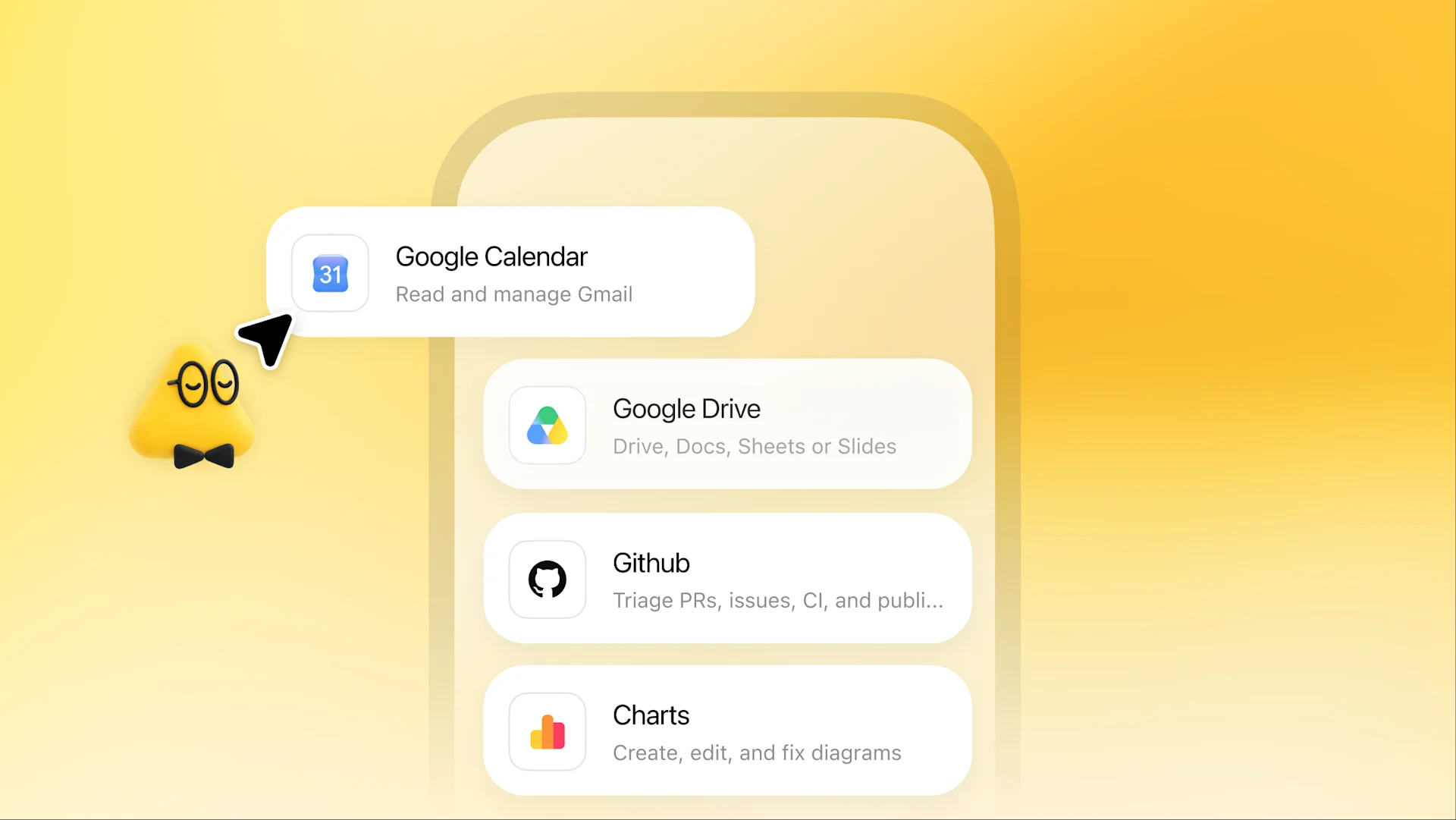
Your dot starts with context from your ChatGPT memory. It uses Codex and your connected tools to take on tasks. You choose which apps it can access, what it should focus on, and how you like things done.

Give it a goal to run with

Give it a responsibility to own

Hand over a big project or something smaller to take off your plate. Your dot proactively figures out the next steps and keeps making progress between conversations. It brings you work to review and decisions that need your judgment.
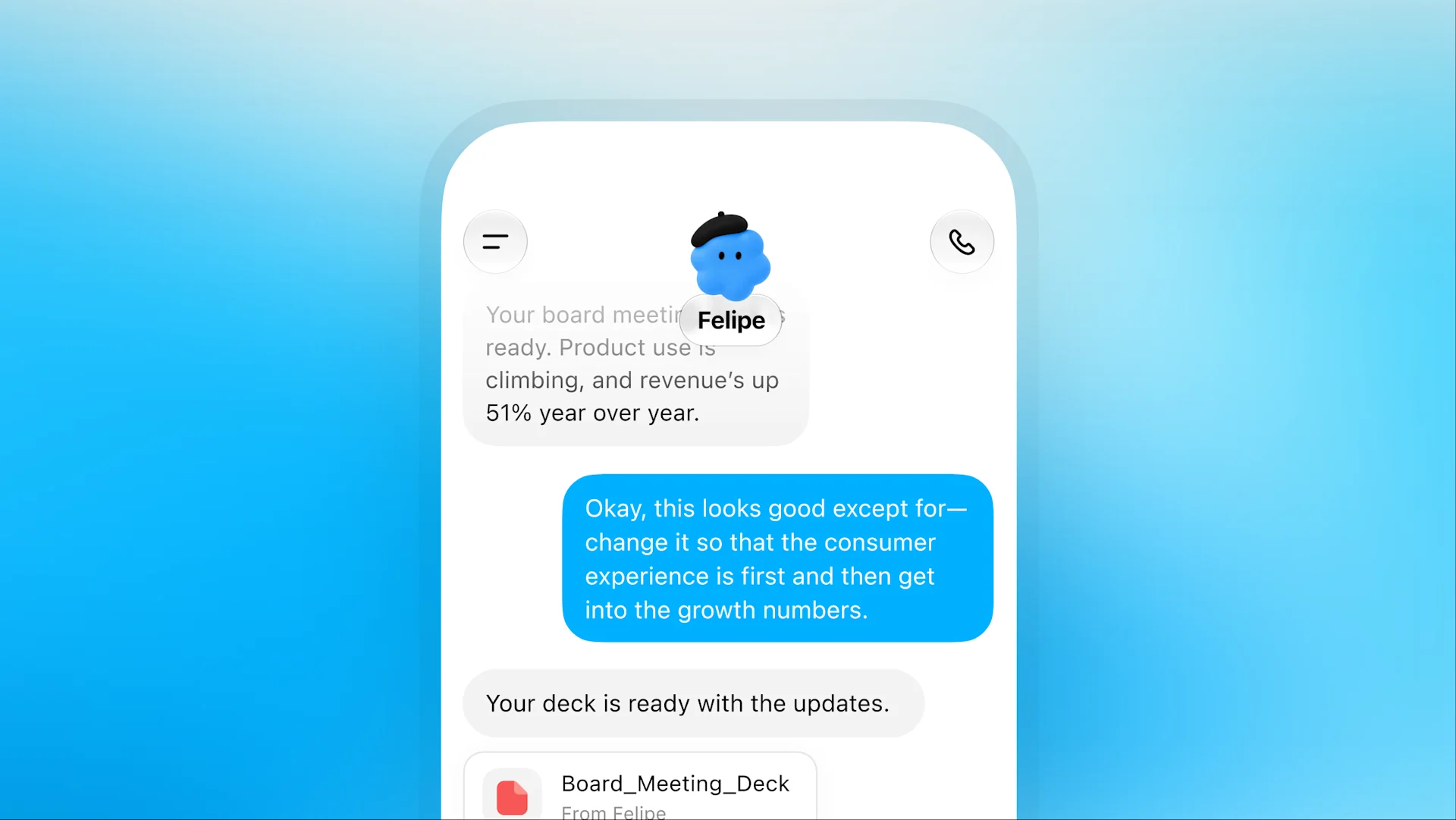
Felipe shares a board meeting deck, receives feedback, and returns the updated presentation.

You’re in charge

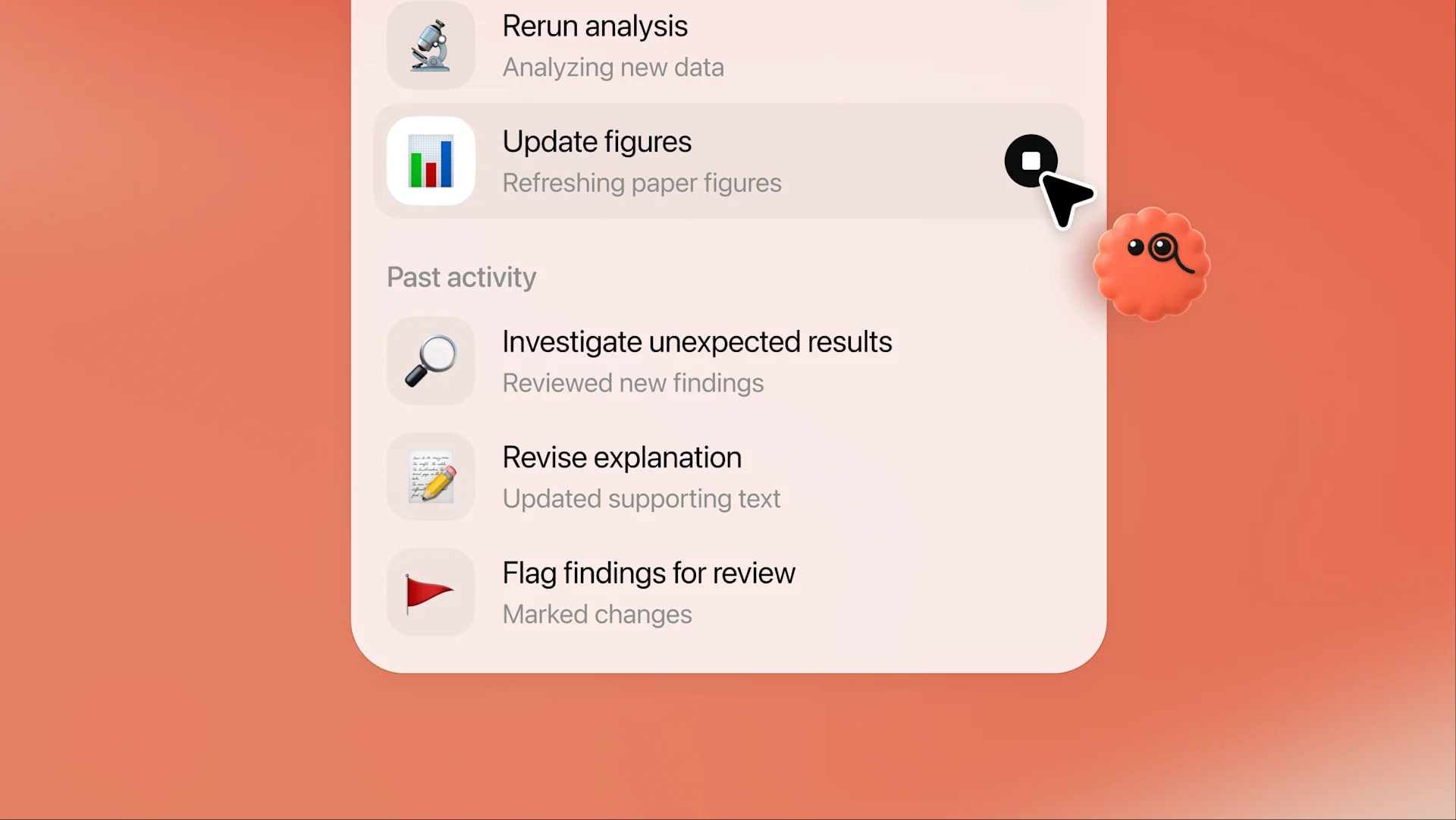
See what your dot is working on, review the details, and give feedback. Change direction or pause anytime.
Bring dots to work

Bring your dot to work

Your dot can help wherever you work. You manage its permissions and decide when it can act on its own or needs your approval.

Contact sales

Built for busy days

Dots help you fit more of what matters into your life. Explore what that could mean for your work.

Explore
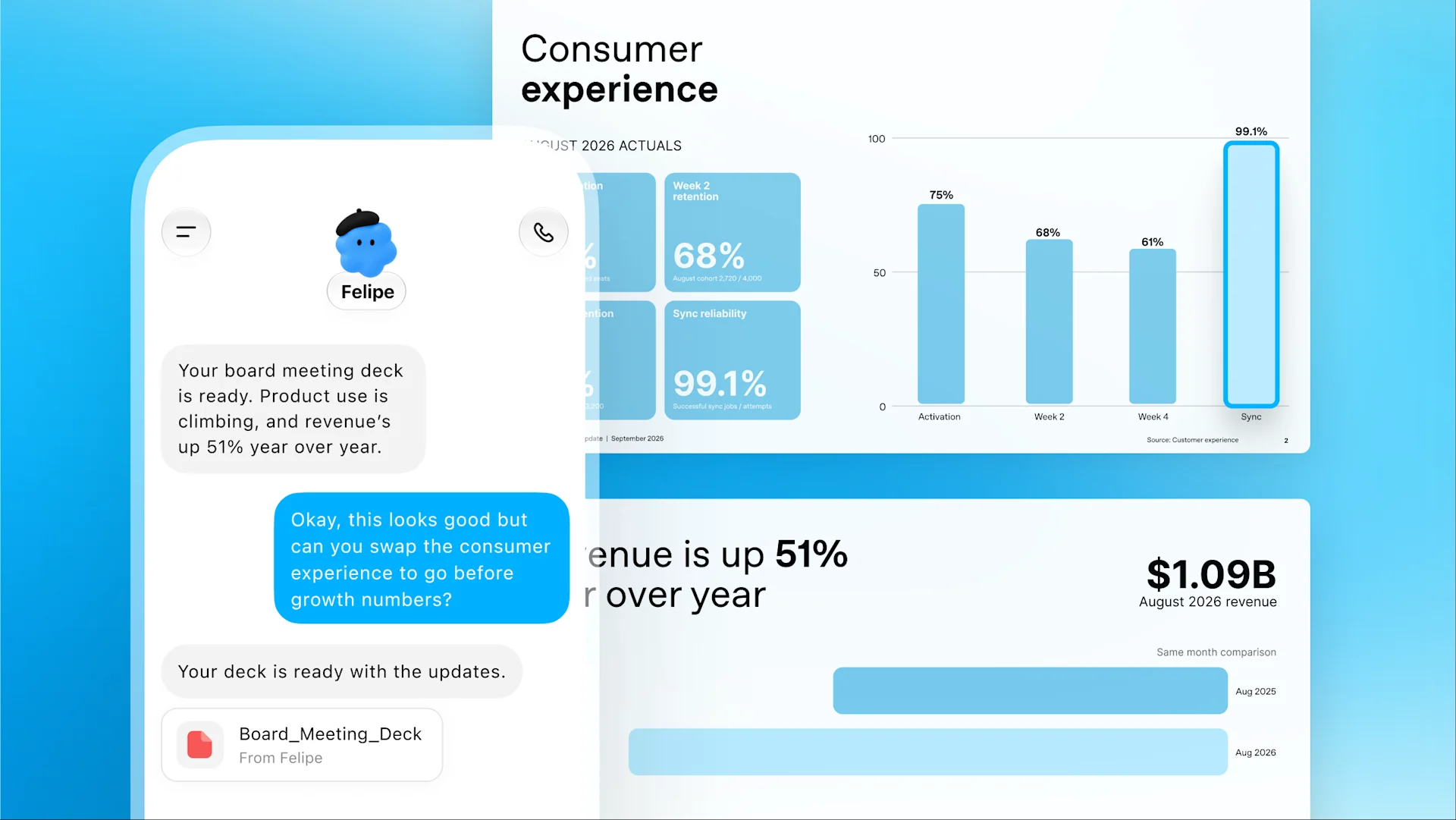
Felipe reviews product and revenue results while updating an investor deck.

See your projects through

You’re a finance lead preparing for an investor update. Your dot tracks product usage and revenue, flags changes, and refreshes your deck. With your go-ahead, it shares the latest numbers with your team and updates related materials to match.
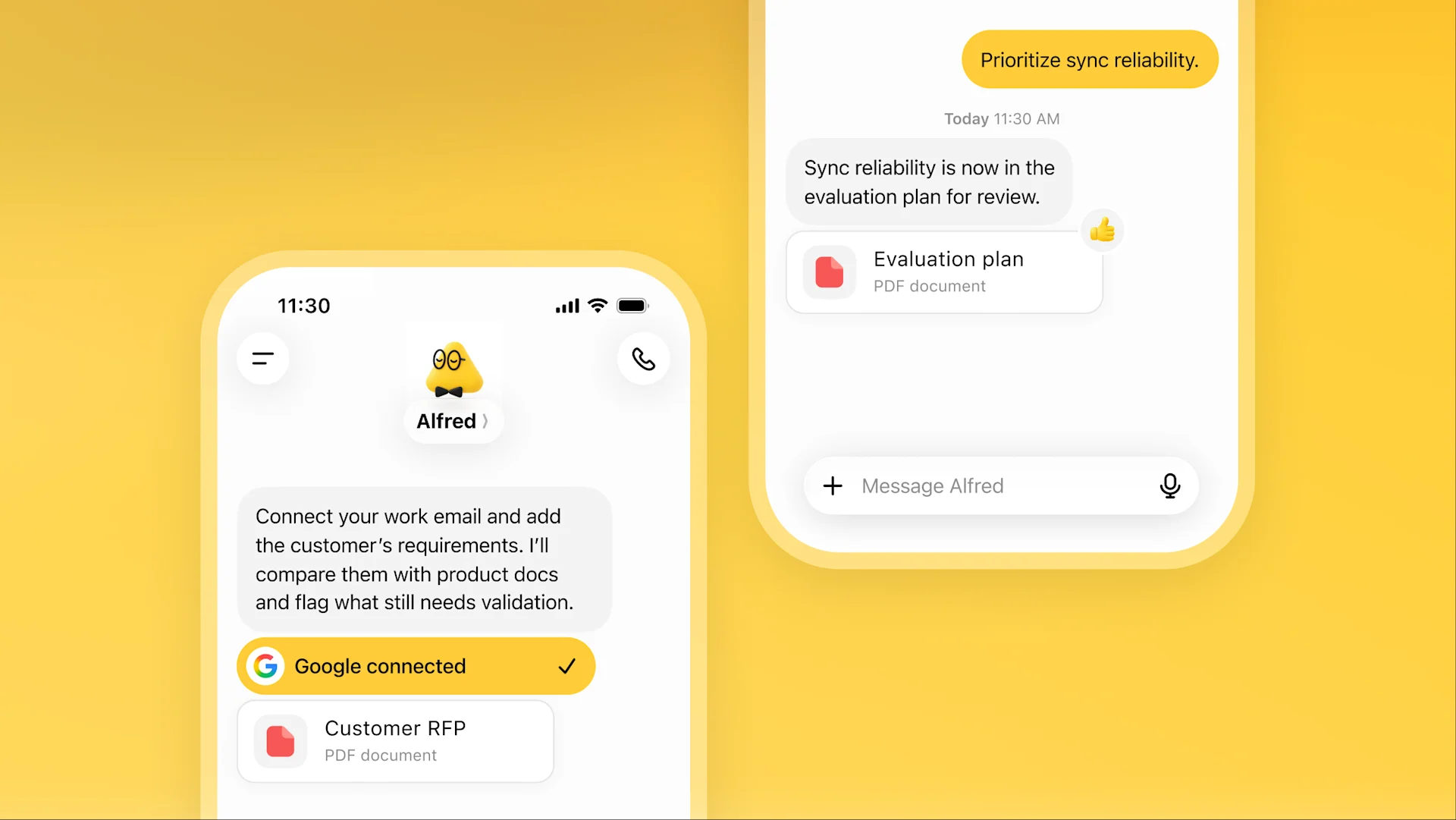
Alfred checks a customer RFP against product details and prepares an evaluation plan.

Protect your attention

For a sales lead, an enterprise deal comes with plenty of technical details. Your dot checks customer requirements against emails and product docs, flags what needs testing, and prepares an updated evaluation plan for review.
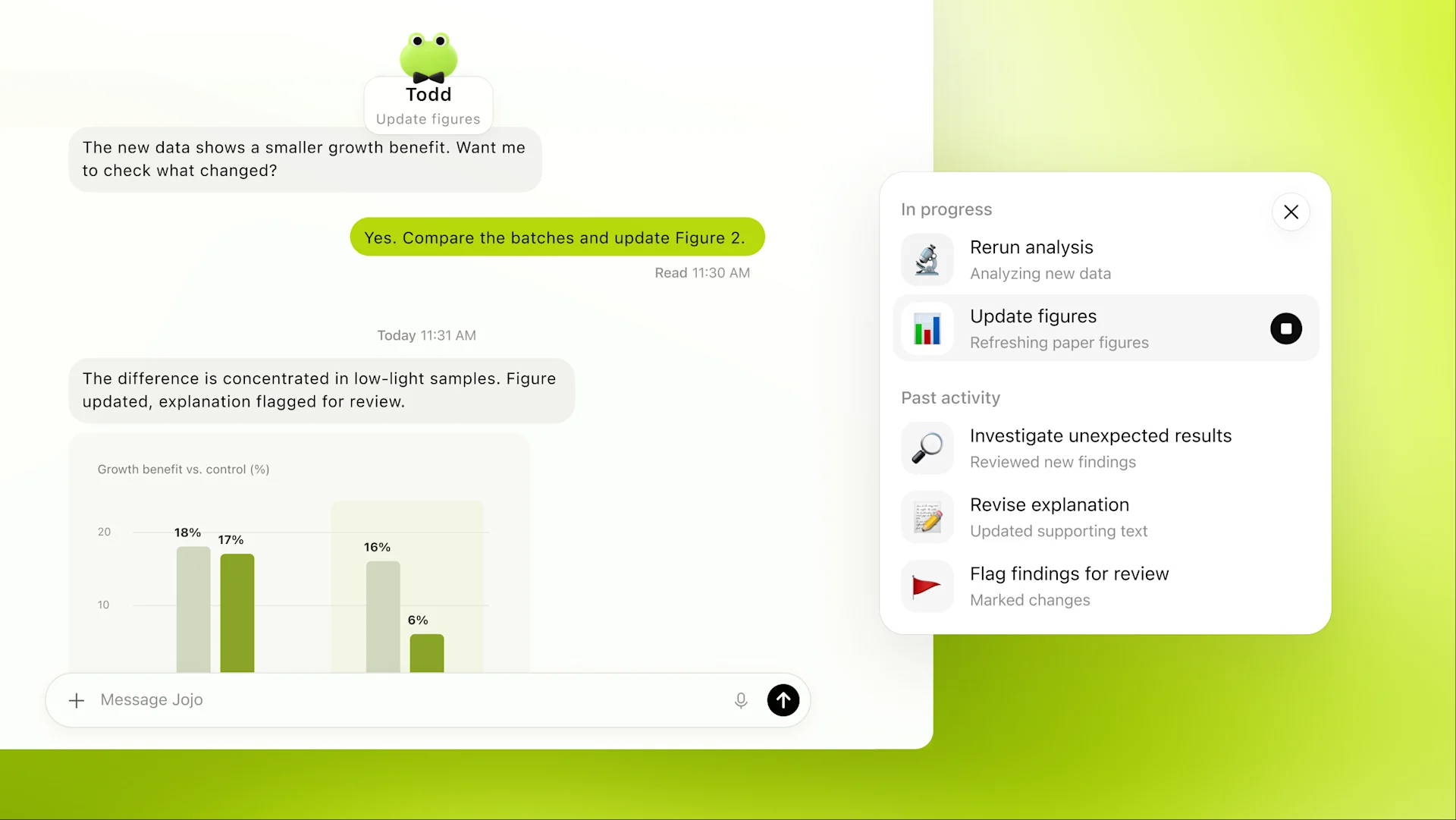
Todd tracks an API migration, with two passing pull requests and a breaking change to review.

Bring the pieces together

As an engineer, you need to move services across your company off an API before it shuts down. Your dot maps dependencies, prepares code and tests for engineers to review, and tracks remaining calls until they reach zero.
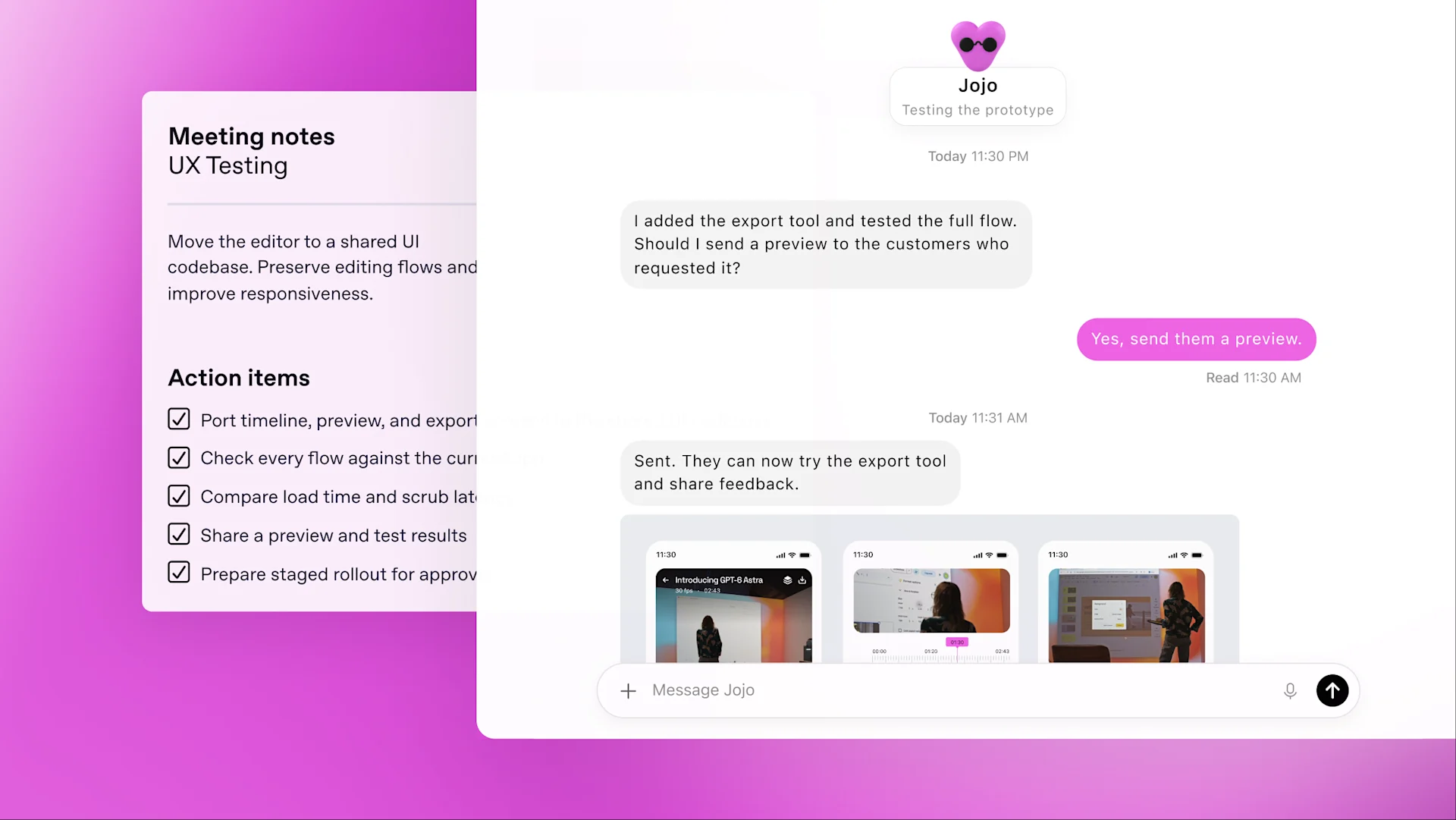
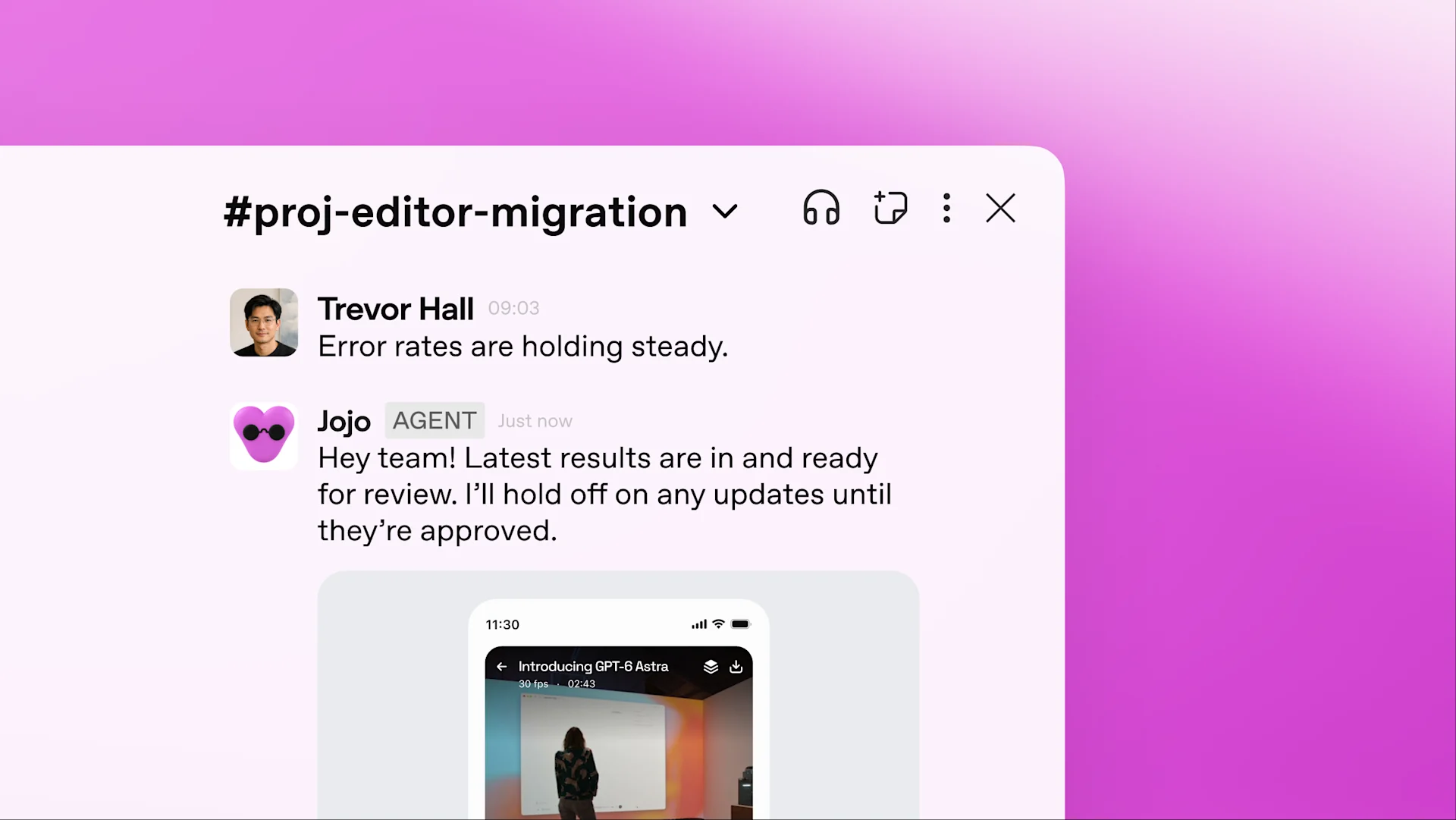
Jojo turns customer feedback into a tested video editor improvement.

Keep things moving

You’re a developer building an app. Your dot watches customer feedback for requests, then scopes, builds, and tests improvements. You can keep building the next major feature while those smaller fixes move forward.
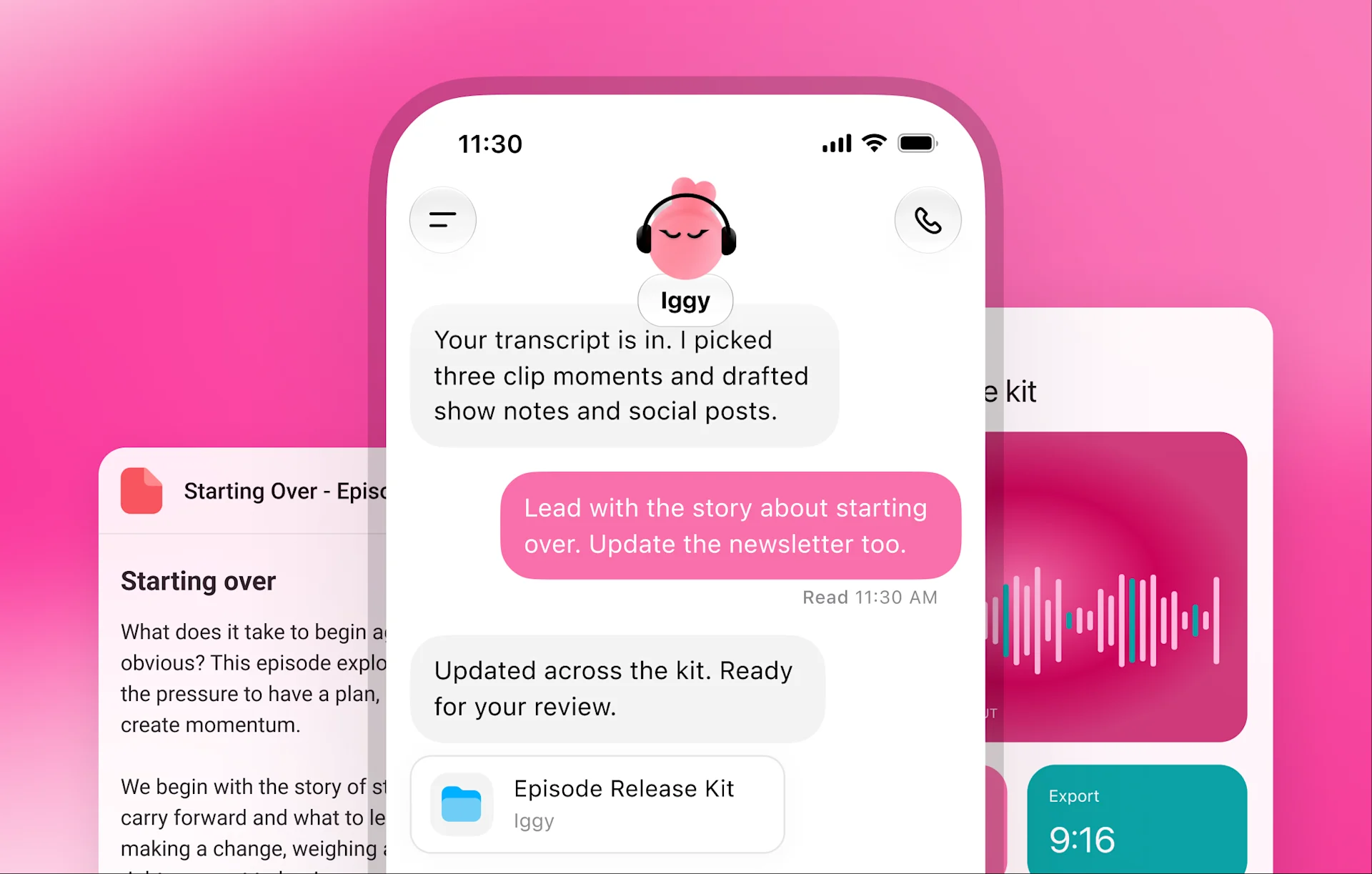
Iggy drafts show notes and social posts from a transcript for review.

Automate your workflows

For content creators, your dot learns your voice and audience, finds interview moments to clip, and drafts show notes and social posts for your approval. It carries your edits across materials and learns what resonates to improve the next batch.

On your side, under your control

Dots run on GPT-6 Astra, our most aligned model, with safety and privacy protections on by default.

Learn more

Built-in protections

Dots build on ChatGPT’s protections with safeguards that help defend against malicious instructions and watch for potentially harmful behavior.

Your boundaries

Dots work on their own cloud computers. Choose which apps to connect, manage their permissions, and decide whether to connect your computer. Set Custom Rules to allow specific actions, require approval, or block them.

Checks that matter

Actions that could affect your accounts or share information go through Auto-review for checks against your instructions, Custom Rules, and safety requirements. Some need your approval. Steps like changing your password stay with you.

A day with your dot

From your first meeting to dinner at your door, find out how your dot fits into your day.

The launch email still promises a feature that’s moved out of scope. I’ve prepared the changes. Want to review them?

The finance review overlaps with your daughter’s recital. Everyone’s available earlier in the day. Want me to move it?

I’ve updated your deck with what might explain the drop in returning customers. I’ve flagged what we still need to figure out and added a few options for you to consider.

Customers keep asking for saved filters. I’ve built and tested an update and noted the trade-offs.

Working late? Your DoorDash favorites are here, with full totals and delivery times. Pick one, and I’ll place the order once you approve.

I’ve updated your deck with what might explain the drop in returning customers. I’ve flagged what we still need to figure out and added a few options for you to consider.

12:30 PM

The launch email still promises a feature that’s moved out of scope. I’ve prepared the changes. Want to review them?

The finance review overlaps with your daughter’s recital. Everyone’s available earlier in the day. Want me to move it?

I’ve updated your deck with what might explain the drop in returning customers. I’ve flagged what we still need to figure out and added a few options for you to consider.

Customers keep asking for saved filters. I’ve built and tested an update and noted the trade-offs.

Working late? Your DoorDash favorites are here, with full totals and delivery times. Pick one, and I’ll place the order once you approve.

I’ve updated your deck with what might explain the drop in returning customers. I’ve flagged what we still need to figure out and added a few options for you to consider.

12:30 PM

At work

Start your day with clarity

Before your launch meeting, your dot notices the draft customer email still promises a feature that’s no longer in scope. It checks the latest product decisions and suggests what to revise.

At work

Keep work and life in sync

Tomorrow’s finance review now overlaps with your daughter’s recital. Your dot finds another time that works for everyone. With your go-ahead, it moves the meeting and prepares your notes, leaving you free to be there for her.

At work

Nail your next presentation

Sales are up, but fewer customers are coming back. Your dot checks the numbers against customer feedback, looks into what’s changed, and updates your leadership deck. As new figures arrive, it keeps everything current.

At work

Turn feedback into improvements

A customer request keeps coming up. Your dot has checked it against product data, built a small improvement, and tested it. You have working changes and trade-offs to review with Engineering.

In life

Take dinner off your plate

Your dot brings you dinner options with delivery times and full totals. Choose a meal, approve the order, and let your dot follow it to your door.

At work

Nail your next presentation

Sales are up, but fewer customers are coming back. Your dot checks the numbers against customer feedback, looks into what’s changed, and updates your leadership deck. As new figures arrive, it keeps everything current.

Right where you need it

Message or call your dot in ChatGPT on web, mobile, and desktop. Share updates, ask questions, or change direction as you go. When something needs your attention, it gets in touch.

Texting your dot is coming next.

11:30
dot
I spotted a bug in mobile checkout. I’m looking into it now.
Good catch. What’s happening?
The payment form gets stuck. I’ve traced the cause.
Fixed and tested on mobile and desktop. Ready for review.

ChatGPT

Start a conversation. Your dot keeps the work moving, even after you step away.

11:30
Workspace
# launch-team…
MessagesPinsFiles
Today
dotAPP9:41

I spotted three unanswered questions in the launch FAQ. I’m pulling the details together.

S
Sara9:42

Use the latest pricing doc.

dotAPP9:43

Done. FAQ updated. Three customer replies are ready for your review.

Launch FAQUpdated just now · 3 answers added

Slack

Bring your dot into the channel to follow up on questions and pick up the next steps.

11:30
Microsoft Teams
Launch team…
ChatSharedNotes
Today
dotBOT9:41

You have six unread DMs, but only three of them require your attention. Your manager asked for an update on the launch plan.

S
Stevie9:42

Draft an update based on the latest deck.

dotBOT9:43

Done. I’ve drafted a response for your manager below: Hi Sally, Thanks for checking in. Here’s the latest:

Launch FAQUpdated just now · 3 answers added

Microsoft Teams

Bring your dot into Teams. Turn conversations into progress, right where you work.

How to get your dot

Dots are rolling out in ChatGPT on web, mobile, and desktop. Access is available now across Pro, Business Premium, and Enterprise plans in eligible markets⁠. Enterprise users can try dots when enabled by their workspace admin.

Create your dot

Take it from here, dot

Create your dot
See download options
OpenAI
  • Research
  • Safety
  • API
  • News
Terms & Policies
  • Terms of Use
  • Privacy Policy
  • Usage Policy
  • Other policies
OpenAI © 2015–2026管理 Cookie